DevCD Brand System
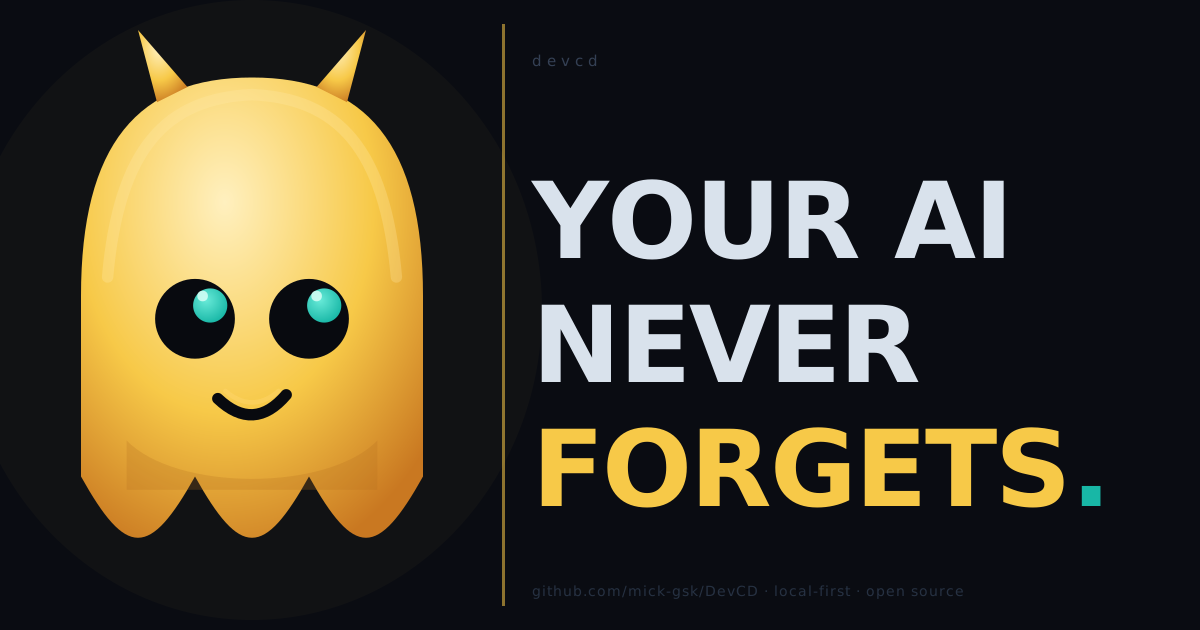
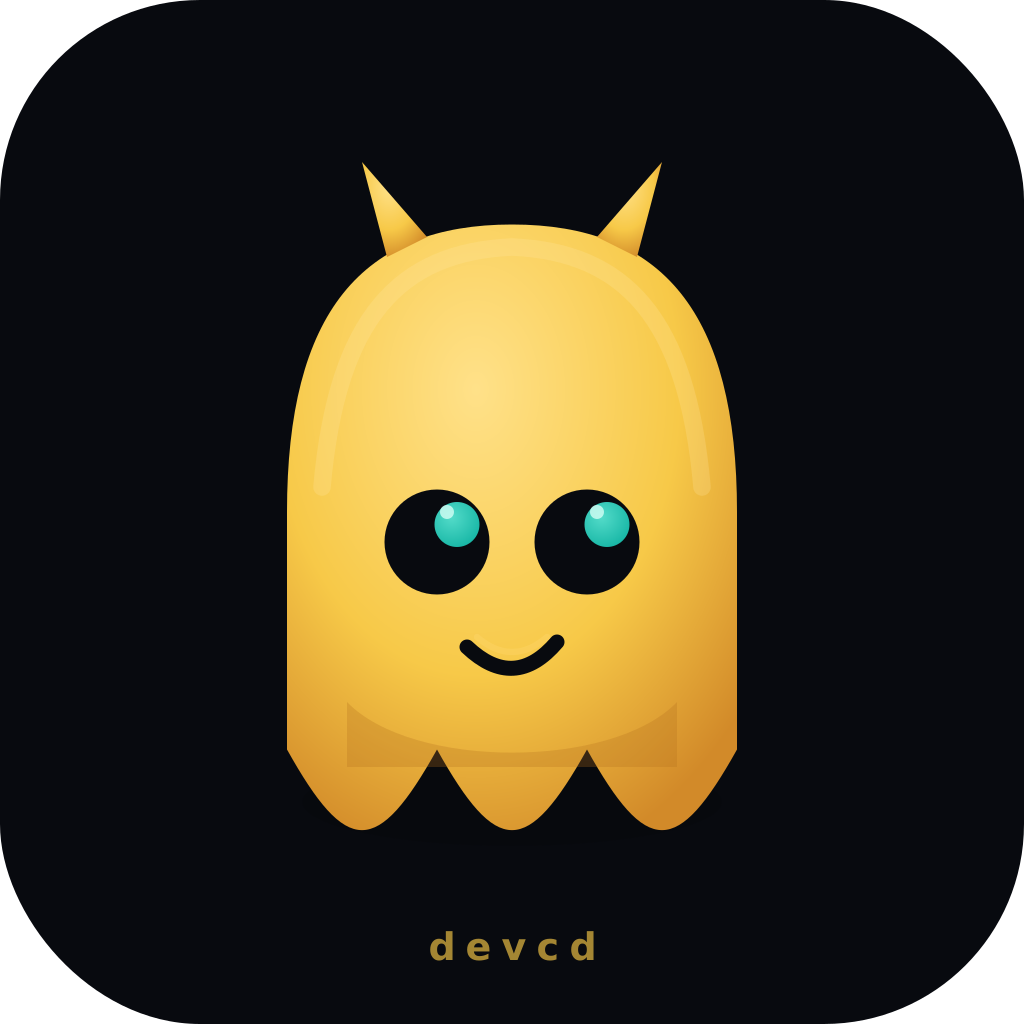
DevCD uses a Continuity OS identity anchored by a daemon mascot — an amber ghost with teal-glowing eyes and two small horns. The name daemon is literal: DevCD is the background process that never forgets. The brand should feel like developer infrastructure with personality, not a generic SaaS monogram.
Core Idea
The mascot is the daemon process made visible: amber body (command surface), teal pupils (signal / continuity), dark horns (daemon identity).
- The daemon mascot is the primary visual anchor across all surfaces.
- The pixel wordmark
devcdsits alongside the daemon in wide placements. - The dark rounded background is the daemon's terminal home.
- The amber body is the visible
devcdcommand invocation surface. - The teal rail and teal pupils represent continuity passed from one agent to the next.
- The smirk implies: yes, I remember everything.
This system should support CLI, docs, MCP, README, releases, and social previews without implying hosted sync or production maturity.
Assets
| Asset | Use |
|---|---|
| DevCD mark | Favicon, MkDocs logo, small square placements. |
| DevCD wordmark | README first viewport and wide documentation headers. |
| DevCD social card | Viral social posts, GitHub/social preview, release posts, project cards. |
| DevCD social avatar | Square social avatars, stickers, small post thumbnails. |
| Brand tokens | CSS variables for future docs or web surfaces. |


Color Tokens
| Token | Hex | Use |
|---|---|---|
| Ink | #080a0f |
Primary dark background. |
| Console | #0d1117 |
Terminal panel surface. |
| Slate | #344054 |
Secondary text and table labels. |
| Muted | #8ea0b8 |
Supporting terminal copy. |
| Paper | #d9e2ec |
Light terminal text. |
| Surface | #101318 |
Heavy command shadow. |
| Line | #263142 |
Terminal borders and separators. |
| Signal | #18b7a6 |
Continuity rail and success path. |
| Command | #f7c948 |
Primary DevCD wordmark fill. |
| Command highlight | #fff2a8 |
Thin top stroke on command text. |
| Command shadow | #c66a1c |
Orange offset stroke for depth. |
| Checkpoint | #f2b84b |
Local terminal control and policy checkpoint accents. |
| Risk | #d95f59 |
Warnings or risk states, used sparingly. |
Typography
Use Cascadia Mono where available, falling back to Consolas, Menlo, and
generic monospace. The wordmark is intentionally terminal-native so it feels
closer to a command surface than a marketing logo.
Preferred weights:
- 800 for the
DEVCDwordmark. - 700 or 800 for terminal labels.
- Avoid thin weights in brand artwork.
Usage Rules
- Prefer the wordmark on first-view surfaces.
- Prefer the mark when space is square or constrained.
- Prefer the social card when the asset must stop a fast-scrolling feed.
- Prefer the social avatar for 1:1 crops, profile icons, stickers, and small thumbnails.
- Keep viral social assets poster-simple: one dominant mark, high contrast, minimal copy.
- Do not add mascots, bokeh, gradient blobs, generic monogram frames, or fake network-node diagrams.
- Do not add PyPI, cloud, Discord, or production-support claims until those surfaces actually exist.
- Keep the palette mixed but restrained: ink, paper, signal, checkpoint, and one risk color when needed.
- Keep the identity local-first: framed surfaces are local terminals, not clouds.
Message Pairings
Strong pairings:
DEVCDas the primary wordmark, followed by prose such asContinuity OS for local AI-agent workoutside the logo art.Agent Passport. Action Packet. No remote context export by default.Stop re-explaining your work to every new AI agent session.
Avoid vague claims:
AI memory for everythingCloud sync for your agentsProduction-ready agent platformAutonomous developer replacement
Maintenance
When updating these assets, render the SVGs before accepting the change. At minimum, run:
python -c "from xml.etree import ElementTree as ET; [ET.parse(path) for path in ['docs/assets/devcd-mark.svg','docs/assets/devcd-wordmark.svg','docs/assets/devcd-social-card.svg','docs/assets/devcd-social-avatar.svg']]"
python -m mkdocs build --strict --site-dir "$TEMP/devcd-mkdocs-check"
On PowerShell, use: